

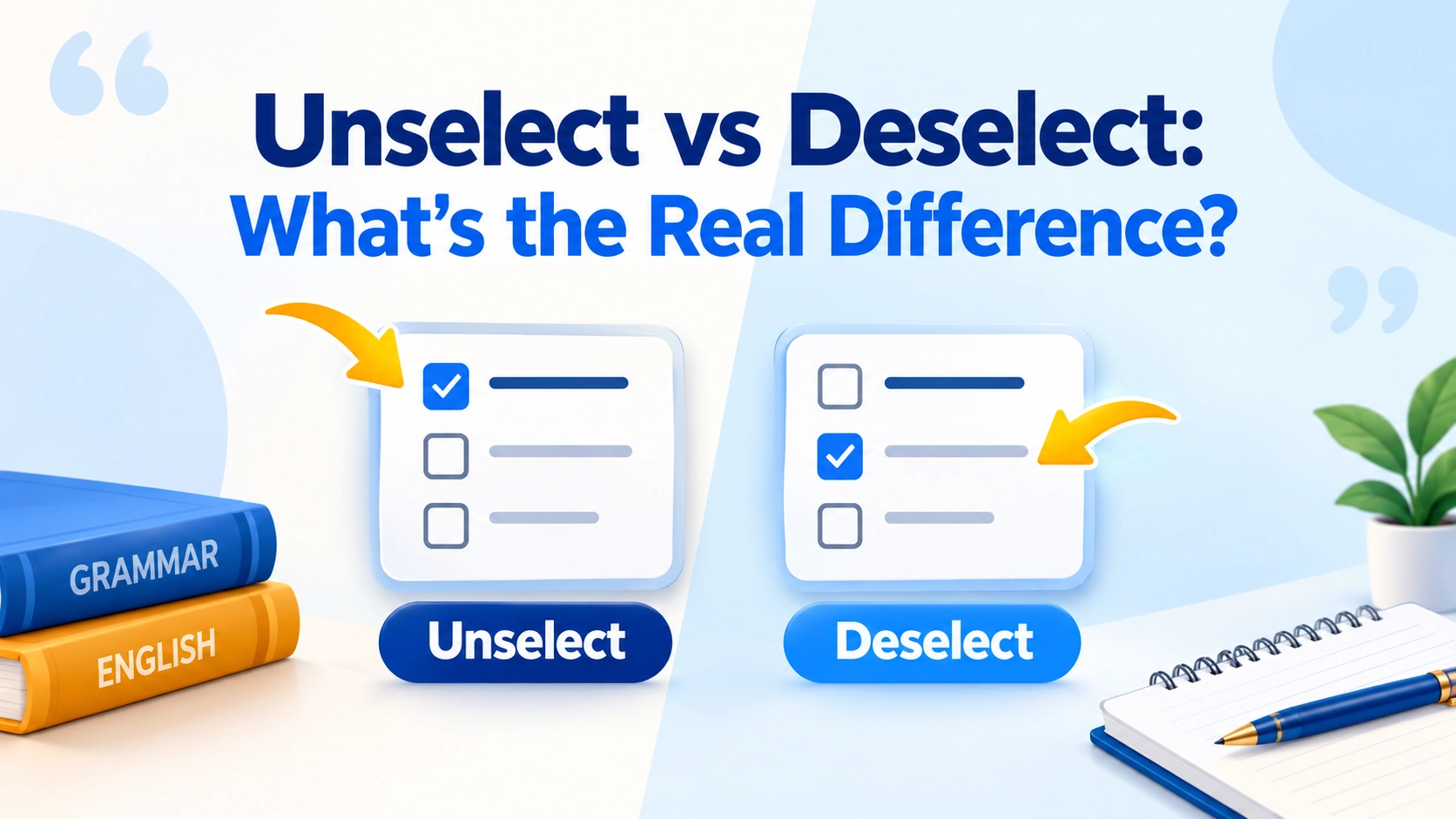
Unselect vs deselect looks like a tiny word-choice question, but the distinction matters when you are writing software documentation, UX copy, help articles, or instructions for users. Both terms can communicate the idea of reversing a selection, yet they do not have the same level of conventionality or the same usefulness in every interface. Deselect is the safer general-purpose choice, while unselect exists in actual computing usage and can be perfectly understandable in context. The more important question, however, is what action you are describing: removing an item from a multi-selection, clearing a checkbox, or clearing an entire selection.
That distinction explains why there is no useful rule as simple as “one is correct and the other is wrong.” Merriam-Webster explicitly defines deselect as causing something previously selected to no longer be selected in a software interface. At the same time, some technical style guides recommend different wording depending on the control involved—for example, Google recommends clear rather than deselect when referring specifically to removing a check mark from a checkbox.
So, if you are writing from scratch, deselect is usually the best default for reversing a selection. But professional UX writing goes one step further: choose the verb that accurately describes the user’s action. A checkbox may be better described as being cleared, while a selected object in a design application may be deselected. This guide explains the difference, shows where unselect fits, compares related terms such as uncheck, clear, remove, and deselect, and gives practical rules for writers and developers.
Unselect vs Deselect at a Glance
| Feature | Deselect | Unselect |
| Core meaning | Remove something from an existing selection | Remove or reverse a previous selection |
| Common in software | Yes | Yes, but less consistently |
| Conventionality | Generally preferred | Less conventional |
| Dictionary support | Strong; includes a software-interface sense | Appears in some dictionaries/resources, but has less mainstream dictionary coverage |
| Technical documentation | Usually the safer choice | Use when product terminology or context calls for it |
| Informal technical speech | Natural | Understandable and used |
| Best general recommendation | Use by default | Use selectively |
Merriam-Webster records deselect as a verb and specifically includes the software-interface meaning. Its entry also dates the word’s first known use to 1963.
By contrast, unselect is documented as a computing verb in Wiktionary, meaning to cancel a previous selection or reverse a previous selection. WordWeb likewise lists it as a computing term.
That leads to an important editorial distinction:
“Unselect” is not simply a meaningless or incomprehensible invention. It is an attested computing verb. “Deselect,” however, is the stronger default when you are choosing terminology for professional writing.
What Does “Deselect” Mean?
Definition of Deselect
Deselect means to reverse an existing selection.
In software, that usually means an item was selected and is now being removed from the current selection.
For example:
- “Deselect the files you do not want to upload.”
- “Deselect the image before editing another object.”
- “Deselect all items.”
- “Deselect the option to disable the feature.”
Merriam-Webster’s definition is particularly useful because it distinguishes the software sense from the broader meaning of rejecting or dismissing something. In a software interface, deselect means that something previously selected is no longer selected.
How “Deselect” Works Grammatically
Deselect is a regular verb:
- Present: deselect
- Third person: deselects
- Past: deselected
- Present participle: deselecting
Examples:
“The user deselected the file.”
“Click the item to deselect it.”
“The application is deselecting the current object.”
The verb normally takes a direct object: deselect an item, deselect an option, or deselect a selection.
What “Deselect” Usually Implies
The word carries an important assumption: there was a selection to begin with.
If nothing has been selected, there is normally nothing to deselect.
That makes these sentences logically different:
- “Select three files.”
- “Deselect one of the files.”
- “Delete one of the files.”
Deselecting changes the selection state. It does not normally delete, hide, move, or modify the underlying object.
That distinction is especially important for beginners writing software instructions.
What Does “Unselect” Mean?
Definition of Unselect
Unselect generally means to reverse or cancel a previous selection.
In computing contexts, it can describe changing an item from a selected state to an unselected state. Wiktionary records both a computing sense involving cancellation of a previous selection and a broader sense of reversing a previous selection.
For example:
“Unselect the items you don’t need.”
The intended meaning is usually clear.
Is “Unselect” a Real Word?
Yes—but there is an important qualification.
Calling unselect simply “not a word” is too strong. It appears as a computing verb in lexical resources, and actual technical usage exists.
The more useful question is whether it is the best word for your particular audience and document.
Those are different questions:
- Can readers understand it? Usually yes.
- Does it occur in real English? Yes.
- Is it used in computing? Yes.
- Is it the safest default for professional technical writing? Usually no; deselect is generally the stronger choice.
- Could a particular product legitimately use it? Yes.
This distinction between lexical legitimacy and editorial preference is one of the most overlooked parts of the debate.
Why People Use “Unselect”
The construction feels perfectly logical.
English already has familiar pairs such as:
- check → uncheck
- lock → unlock
- plug → unplug
- mark → unmark
- select → unselect
Because un- frequently creates a reversal or removal meaning, users can naturally understand unselect even if another form is more conventional.
That does not make it preferable in every context. It simply explains why the word keeps appearing in software discussions and interfaces.
Are “Unselect” and “Deselect” Actually Synonyms?
In many computing contexts, yes.
If a user selects a file and then removes that file from the current selection, either term may be understood:
“Deselect the file.”
“Unselect the file.”
The underlying action is essentially the same.
But synonyms do not mean interchangeable in every situation.
A professional writer has to consider:
- audience expectations
- product terminology
- interface wording
- style-guide rules
- the exact UI control
- whether the action affects one item or the entire selection
For example, a technical writer might prefer deselect for an object-selection tool but clear for a checkbox because the latter more precisely describes the control’s state.
That is not an inconsistency. It is context-sensitive terminology.
Why “Deselect” Is Usually the Better Default
There are three practical reasons.
1. It Has Stronger Established Technical Usage
Merriam-Webster explicitly recognizes the software-interface meaning of deselect. That makes it a particularly defensible choice when you are writing documentation for a broad audience.
2. Technical Style Guides Commonly Use It
Kodeco’s English style guide, for example, specifically recommends deselect rather than unselect when referring to removing a check from a checkbox.
Progress Software’s style guidance similarly uses select and deselect for checkbox interaction.
3. It Reduces Terminology Uncertainty
When readers encounter:
“Deselect the item.”
The instruction is immediately recognizable across many software environments.
Unselect is understandable, but it is less consistently established as the default term across style guides and products.
For a new documentation project, reducing that uncertainty is valuable.
Where You’ll See “Deselect” in Everyday Technology
Checkboxes and Multi-Select Controls
A checkbox can represent a selected or unselected state. Many technical writers therefore use deselect:
“Deselect the checkbox if you don’t want automatic updates.”
However, this is exactly where terminology becomes context-dependent. Google’s developer documentation style guide recommends clear rather than deselect when describing removal of a check mark from a checkbox.
So both of these can occur:
- “Deselect the option.”
- “Clear the checkbox.”
The second may be preferable when the writer wants to describe the physical/state change of the checkbox itself.
Lists and Menus
Suppose a photo application allows several images to be selected.
A user might select:
- Photo A
- Photo B
- Photo C
Then remove Photo B from the current selection.
Deselect is a natural description:
“Deselect Photo B before exporting the remaining images.”
Photos, Files, and Multiple Items
Multi-select interfaces are another strong use case.
Imagine selecting 20 files and then realizing one should not be included. The user does not want to delete that file. They only want to remove it from the current selection.
That’s exactly the situation in which deselect communicates useful information.
Search Filters and Settings
Selection terminology can also appear in filtering interfaces:
“Deselect the ‘Archived’ filter.”
But if the control is actually a checkbox, clear may be preferred by a particular style guide.
This is why good technical writing starts with the actual control and action, not with a hunt for a universal synonym.
Design and Editing Software
Graphic-design and editing applications often have a clear distinction between:
- selecting an object
- deselecting an object
- deleting an object
For example:
“Select the shape, change its size, and then deselect it.”
Here, deselect is considerably clearer than remove, because the shape itself remains on the canvas.
Where “Unselect” Appears—and Why It Can Sound Natural
User Interfaces
Some products and communities use unselect because users understand it immediately.
There is nothing inherently confusing about:
“Unselect all items.”
The problem is not comprehension. The issue is conventionality and consistency.
Informal Technical Conversations
Developers or users may say:
“Just unselect that option.”
In casual communication, there is little reason to object if everyone understands the action.
The editorial standard can be different in published documentation.
Product-Specific Terminology
This is where professional writers need to be careful.
Suppose an application’s interface literally says:
Unselect All
If you are writing help documentation for that application, changing every reference to deselect might actually make the documentation less useful.
A user reading:
“Click Unselect All.”
needs terminology that matches what appears on screen.
In that situation, the interface’s established label takes priority over a general preference.
Unselect vs Deselect in Real Sentences
Examples With “Deselect”
Software instruction:
“Deselect the files you do not want to copy.”
Design application:
“Click outside the object to deselect it.”
Multi-selection:
“Hold Ctrl while clicking an item to select or deselect it.”
Settings:
“Deselect the option if you do not want the feature enabled.”
These examples all describe a reversal of selection.
Examples With “Unselect”
Informal software instruction:
“Unselect the items you don’t want.”
Interface explanation:
“Tap the selected photo again to unselect it.”
Developer conversation:
“The user can select or unselect multiple rows.”
These are understandable and structurally natural.
The issue is not that the reader cannot decode them. It is that deselect is generally the more established editorial choice.
How the Tone Changes
| Sentence | Impression |
| “Deselect the option.” | Conventional, technical, neutral |
| “Unselect the option.” | Understandable, less conventional |
| “Clear the option.” | Concise; may be best for a checkbox depending on style |
| “Uncheck the option.” | Familiar, especially for checkbox instructions |
| “Remove the option.” | Potentially ambiguous because it may imply deletion |
The right wording depends on what the interface actually does.
Deselect vs Unselect: Which One Should Writers Choose?
Use “Deselect” When You Mean “Remove a Selection”
Use deselect as your default when:
- writing technical documentation from scratch
- explaining a selection tool
- describing multi-selected files
- discussing selected objects
- writing developer tutorials
- explaining how to reverse a selection
- addressing a broad international audience
It is the least controversial choice.
Use “Unselect” When Context Justifies It
Use unselect when:
- the product itself uses that term
- you are quoting interface text
- you are discussing terminology rather than prescribing it
- an informal audience already uses the term consistently
- a specific technical environment has adopted it
In those cases, changing the vocabulary merely to enforce a general preference can create unnecessary friction.
When Neither Word Is Best
Sometimes the best edit is to avoid both.
Consider a checkbox labeled Automatically save passwords.
Instead of:
“Deselect the checkbox.”
you might write:
“Clear Automatically save passwords.”
That wording can be more direct because it tells the user exactly what state to change.
Similarly:
“Remove the file from the selection.”
may be clearer than deselecting the file when explaining a complicated multi-selection workflow.
Deselect vs Unselect in UX Writing
UX writing adds another layer to the question.
A UX writer is not merely deciding which word appears in a dictionary. They are designing language that helps a person complete an action.
Why Interface Labels Need More Than Dictionary Correctness
A good interface term should be:
- recognizable
- concise
- consistent
- action-oriented
- appropriate to the control
- easy to distinguish from nearby actions
That means “correct English” is only one criterion.
A technically valid word can still be a poor interface label if users do not understand what will happen.
“Deselect” vs “Clear Selection”
These phrases are not always equivalent.
Deselect often suggests acting on an item:
“Deselect the second file.”
Clear selection often suggests removing the current selection as a whole:
“Clear selection.”
If a toolbar button removes every selected object, Clear selection may communicate the result more directly.
Follow Existing Product Terminology
If you are documenting an established application, consistency matters.
Progress Software’s current style guidance explicitly notes that terminology can depend on the interaction model and recommends established terminology for controls.
UXmatters similarly treats deselect as an established term for canceling a selection in its style guidance.
The practical rule is simple:
When documenting an existing interface, help users match your words to what they see on screen.
Deselect vs Unselect in Developer and Technical Writing
Documentation and Tutorials
For general technical documentation, deselect is the safer editorial choice.
A documentation team benefits from a stable vocabulary:
select → deselect
That pairing is easy to teach and easy to maintain.
Code, APIs, and Commands
Natural English and programming terminology are not necessarily identical.
An API might expose a method named:
unselect()
or:
deselect()
or something entirely different.
Do not invent an API name based on ordinary English.
If the actual API uses unselect(), document the exact method name—even if your prose generally prefers deselect.
For example:
“Call unselect() to remove the item from the current selection.”
Here, the code token must remain exactly as the API defines it, while the surrounding prose can follow your editorial style.
Naming Functions or Variables
When creating your own API, consistency is usually more valuable than trying to establish a theoretically perfect word.
Consider:
select()
deselect()
This pairing is immediately intuitive.
If an existing codebase already uses:
select()
unselect()
Renaming the second function purely for linguistic preference may create unnecessary compatibility problems.
Follow the established vocabulary of the system.
Common Mistakes People Make With “Unselect” and “Deselect”
Mistake 1: Calling “Unselect” Automatically Wrong
This is the biggest oversimplification.
Unselect has documented computing usage.
The better statement is:
Unselect is used and understandable, but deselect is generally the safer conventional choice for professional writing.
Mistake 2: Assuming “Un-” Always Forms the Correct Opposite
English word formation is productive, but it is not a mathematical formula.
The fact that unselect is structurally understandable does not mean it must be the preferred counterpart of select.
English contains many pairs whose opposites are formed in different ways.
Mistake 3: Confusing Deselecting With Deleting
This is a functional mistake rather than a grammar mistake.
Compare:
Deselect the photo.
The photo remains.
Delete the photo.
The photo is removed.
Never substitute one for the other in software instructions.
Mistake 4: Replacing Product Terminology
If the application says Unselect All, documenting a button called Deselect All creates a navigation problem.
The reader may search the screen for a control that does not exist.
Mistake 5: Using “Deselect” When “Clear” Is More Precise
Google’s developer style guide specifically recommends clear rather than deselect for clearing a checkbox mark.
Other organizations make different choices. Dynatrace, for example, recommends select and clear for checkboxes rather than select/deselect.
This demonstrates an important professional principle: style guides can legitimately differ because their terminology systems are designed for particular products and audiences.
Deselect, Unselect, Uncheck, Clear, and Remove: What’s the Difference?
| Term | Usually describes | Example | Main caution |
| Select | Choosing an item or option | “Select three files.” | Can mean different UI actions |
| Deselect | Removing an item from an existing selection | “Deselect the image.” | May be too broad for a checkbox-specific style |
| Unselect | Reversing a previous selection | “Unselect the item.” | Less conventional |
| Uncheck | Removing a check mark | “Uncheck the box.” | Not ideal in every style guide |
| Clear | Removing a value, mark, or current state | “Clear the checkbox.” | Can be ambiguous without context |
| Remove | Taking something out of a collection or system | “Remove the file.” | May imply deletion rather than deselection |
The most important distinction is between selection state and object state.
- If you deselect a file, the file remains.
- If you remove the file, the file may leave the collection.
- If you clear a checkbox, its checked state changes.
- If you delete the file, its underlying content may be destroyed or moved to a recycle/trash system.
Those are materially different actions.
A Simple Decision Rule for Choosing the Right Word
If You’re Writing From Scratch
Start with deselect.
It is a well-established term and has an explicit software-interface definition in Merriam-Webster.
If You’re Describing an Existing Interface
Use the interface’s terminology when the user needs to find a control.
If the product says Unselect All, do not make the user translate your documentation into a different UI language.
If You’re Writing for General Users
Ask what actually happens.
- Item leaves the current selection → deselect
- Checkbox loses its check mark → clear or uncheck, depending on style
- Object disappears from the system → remove/delete
- Entire selection is reset → clear selection
If You’re Writing Code Documentation
Separate natural-language terminology from literal code identifiers.
If the function is called unselect(), retain that exact spelling in code. In explanatory prose, choose terminology consistently with the project’s style.
Unselect vs Deselect: Quick Reference Table
| Situation | Recommended wording |
| General technical writing | Deselect |
| Removing an object from a multi-selection | Deselect |
| Explaining selection tools | Deselect |
| Existing UI literally says “Unselect” | Unselect |
| Informal developer conversation | Either may work |
| Removing a checkbox mark | Clear, uncheck, or deselect, depending on style |
| Clearing every selected item | Clear selection or Deselect all |
| Exact API method | Use the API’s actual name |
| Describing deletion | Delete, not deselect |
| Removing something from a collection | Remove, not necessarily deselect |
What Do Major Style Guides Tell Us?
One of the most useful lessons from current technical-writing guidance is that there is no universal UX vocabulary that every organization uses identically.
Progress Software’s style guide recommends select and deselect when referring to checkboxes.
Google’s developer documentation takes a different approach and recommends clear for removing a checkbox mark, specifically advising against deselect and uncheck in that context.
Dynatrace likewise recommends select and clear for checkbox interactions.
UXmatters, meanwhile, uses deselect for canceling a selection and advises against unselect in that context.
This is not a contradiction that needs to be “solved.” It reveals something more useful:
The best UX term depends partly on the product’s terminology system and the exact interaction being described.
For general English, deselect remains the safest choice. For specialized UX writing, follow the style guide governing the product.
Conclusion:
The unselect vs deselect debate becomes much easier once you stop treating it as a simple right-or-wrong spelling question. Deselect is the stronger default for general English, technical documentation, and software instructions, while unselect is a real and understandable computing verb that may be appropriate in specific products or informal contexts. The bigger editorial lesson is to describe the actual user action accurately. A selected object may be deselected; a checkbox may be cleared; an item may be removed; a file may be deleted. Those actions are not interchangeable.One final actionable tip: when writing from scratch, choose to deselect unless there is a reason to use another term. A common mistake to avoid is changing an application’s established UI terminology just because another word seems more conventional. Good technical writing does not merely choose correct English—it helps the reader perform the correct action.
FAQs
Q1. Is “unselect” grammatically correct?
Unselect is a documented computing verb, so calling it simply ungrammatical is misleading. It means reversing or canceling a previous selection. However, deselect is generally the more conventional choice in professional technical writing. Use unselect when an established product vocabulary or specific context calls for it.
Q2. Is “deselect” the correct word?
Yes. Deselect is an established English verb with a specific software-interface sense: causing something previously selected to no longer be selected. Merriam-Webster explicitly records this meaning. For general technical documentation, deselect is usually the safest default.
Q3. What is the opposite of “select”?
In software contexts, deselect is commonly used as the opposite action. But the exact opposite depends on what the interface does. A checkbox may be cleared, a selected item may be deselected, and a value may be removed. The most accurate term describes the actual state change.
Q4. Should I say “deselect a checkbox” or “uncheck a checkbox”?
Both occur, but style guides differ. Uncheck specifically describes removing a check mark, while deselect can describe selection more broadly. Google recommends clear for checkbox marks, whereas other technical guides explicitly recommend deselect. Follow the relevant product style guide when one exists.
Q5. What is the past tense of “deselect”?
The past tense is deselected. For example: “The user deselected the file before submitting the form.” The same form works as the past participle: “The option was deselected.” The corresponding forms are deselects and deselecting.